
Optimizing Gamification UX Design: A Guide to Designing the Visual “Layer 2”
While many products attempt to increase user engagement through gamification, they often fall flat by relying on dry point systems. The difference between a clunky feature and an addictive user journey lies in “Layer 2″—the visual and interactive user interface. This guide explores how to transform raw game mechanics into intuitive, accessible, and highly engaging visual experiences.
The Challenge: When Points and Badges Are Not Enough
Designers frequently encounter a frustrating scenario: a gamified system is mathematically perfect, yet user engagement remains stagnant. Adding a leaderboard or a badge to a screen does not automatically make an application fun. When gamification fails, it is rarely due to the underlying logic; it is almost always a failure of the visual experience.
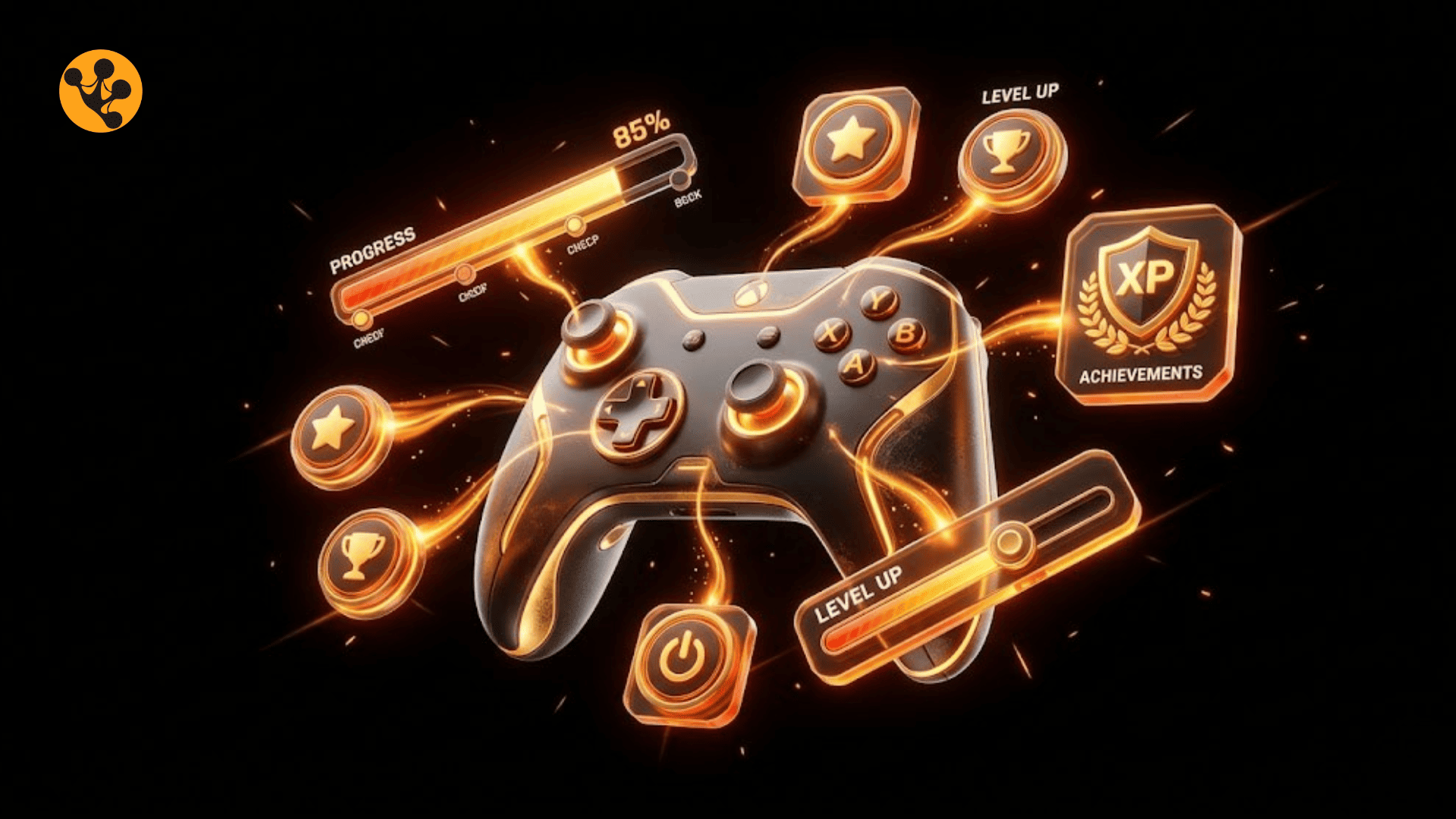
This is the critical role of “Layer 2” in gamification. It is the visual user interface where abstract game mechanics transform into a tangible reality. It is the space where users actually feel the progression, interact with the system, and experience the dopamine rush of achievement. Without a carefully crafted UI, gamification feels like a chore rather than a game.
The Solution: Core Gamification UI Patterns
To build a compelling visual layer, designers must rely on established UI patterns that communicate progress and reward clearly.
What is Gamification UX Design?
Gamification UX design is the strategic process of integrating game mechanics into user interfaces to drive engagement. It relies on applying gamification UI patterns and optimizing feedback loops UX. This creates a seamless, intuitive visual experience that motivates users and effectively retains their attention over time.
Implementing Classic UI Patterns
Transforming abstract data into visual motivation requires specific interface strategies:
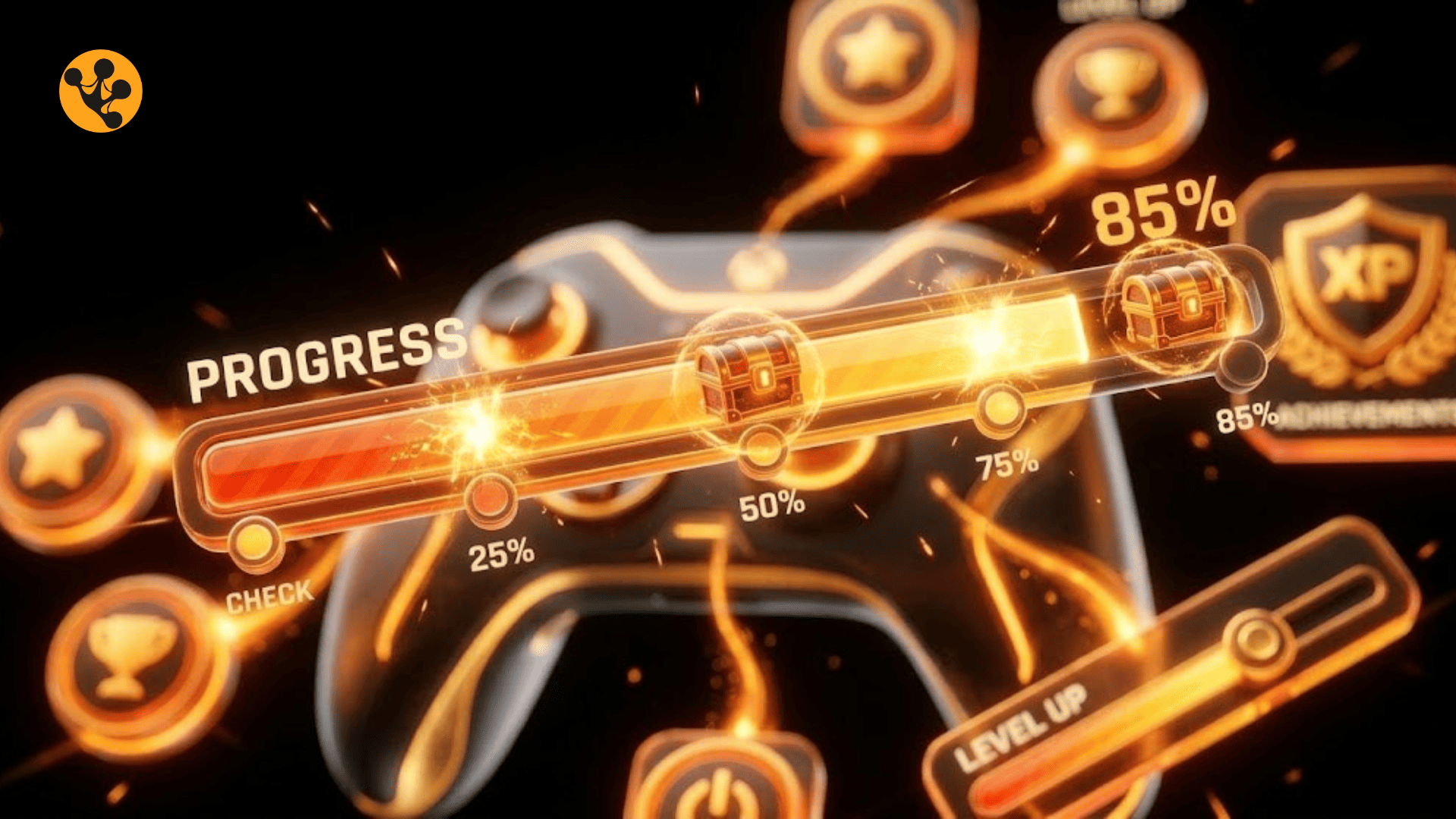
- Gamified Progress Bars: A progress bar should do more than display a percentage. By utilizing the Zeigarnik effect—the human tendency to remember uncompleted tasks—designers can create a sense of urgency. Adding smooth animations and visual checkpoints makes the journey toward completion highly satisfying.
- Badges & Achievements Systems: Effective badges act as visual milestones. The iconography must be distinct and aesthetically pleasing to foster a sense of pride. When designed well, these elements encourage users to build a collection, driving repeat interactions.
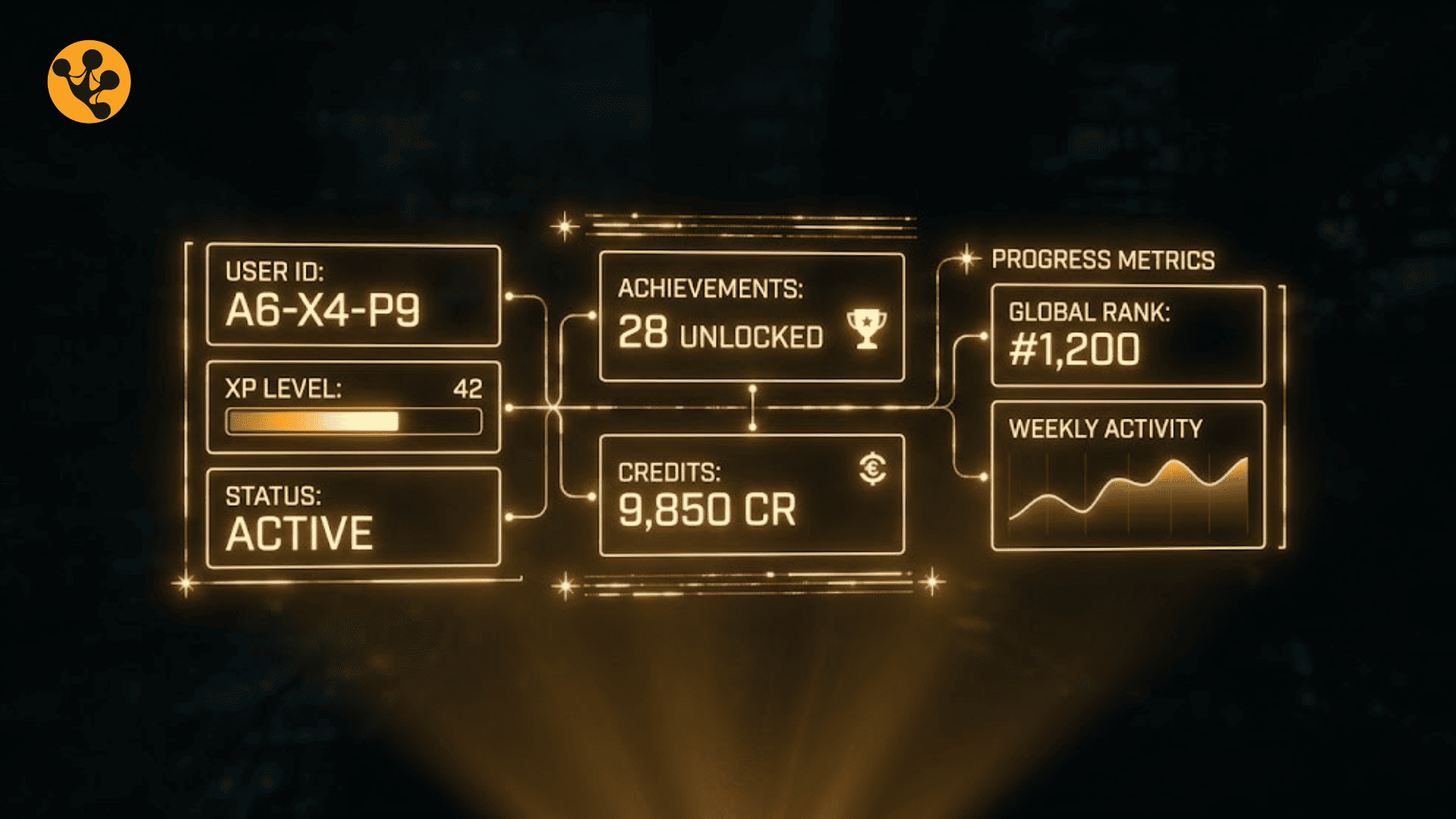
- Leaderboards & Social UI: Global leaderboards can easily discourage new users. A smarter UI approach involves relative ranking, displaying the user alongside peers of a similar level. This keeps the competition localized, visually accessible, and highly motivating.
Building Seamless Feedback Loops UX
A game feels responsive because it constantly talks back to the player. Interfaces must do the same.
- Instant Micro-interactions: Immediate visual or auditory feedback is crucial. Utilizing subtle haptic feedback, particle effects, or crisp sounds the millisecond a user completes an action confirms success and builds momentum.
- Positive vs. Negative Reinforcement: The interface should visually celebrate good behavior with vibrant colors and dynamic lighting effects. Conversely, negative feedback should be a gentle, constructive visual nudge to correct an error, rather than a punishing red screen.
- Leveraging Empty States: A screen with zero data is a missed opportunity. Empty states should be transformed into inviting, gamified calls to action, guiding the user on exactly how to start playing.
Ensuring Accessibility in Game Interfaces
High engagement must not come at the cost of exclusion. “Layer 2” must be navigable for everyone.
- Contrast and Color Palettes: Interfaces can remain energetic and vibrant while using color-safe palettes. High contrast ensures that critical gamified elements are visible to users with color blindness.
- Reducing Cognitive Load: Applying Hick’s Law is essential. The interface must not overwhelm the user with too many flashing icons or simultaneous notifications. Keep the visual hierarchy clean and focused on the next immediate goal.
- Multimodal Support: Feedback loops should never rely solely on color. A truly accessible UI pairs color changes with clear text labels, distinct iconography, and optional audio cues.

The Impact: Meaningful Design and the Future
As gamification becomes a standard expectation, the line between engaging design and manipulative tactics becomes critical.
Avoiding “Dark Patterns”
There is a profound difference between retaining a user and trapping them. Designers must avoid abusing gamification to force interactions or manipulate user psychology for short-term metrics. The focus must remain on “Meaningful Gamification”—creating systems that offer genuine value, skill-building, or joy to the user, rather than simply exploiting their attention.
The Future of Gamification UX
The next iteration of “Layer 2” will move beyond static 2D screens. The integration of 3D elements and Augmented Reality (AR) will make UI patterns feel more tactile and immersive. Furthermore, AI will enable interfaces to adapt in real-time, personalizing feedback loops and reward structures based on individual user behavior.
The most successful digital products will be those that seamlessly blend complex game mechanics with a flawless, empathetic, and visually stunning user interface.

“I’m Paul Nguyen, I’m a Growth & Product Marketing Leader and currently the General Manager at LEAP Studio. With over six years of experience across fintech platforms, tech startups, and Web3, I specialize in building data-driven growth strategies, optimizing conversion funnels, and integrating AI into marketing to drive sustainable business scalability.”

Leave a comment